
Weight
76 g
JLab Go Charge offers a balanced combination of features.
Performance
| Polling rate i | 125 Hz (108 others) |
| Maximum speed i | 400 IPS (67 others) |
| Maximum acceleration i | 50G (193 others) |
| Maximum dpi i | 1600 DPI (37 others) |
| Minimum dpi i | 800 DPI (65 others) |
| Has adjustable dpi i | ✔ (349 others) |
General info
| Type i | Productivity (117 others) |
| Connection type i | USB, Bluetooth, 2.4GHz wireless (28 others) |
| Onboard memory profiles i | 0 (248 others) |
| Bluetooth Version i | 5 (73 others) |
| Has gesture support i | ✖ |
| Battery Life i | 2880 hours (4 others) |
| Can use while charging i | ✔ (223 others) |
| Has a rechargeable battery i | ✔ (156 others) |
Buttons
| Number of buttons i | 6 (162 others) |
| Number of side buttons i | 2 (253 others) |
| Number of programmable buttons i | 6 (126 others) |
| Has a dpi switching button i | ✔ (331 others) |
| Has a profile switching button i | ✖ |
Design
| Orientation i | Ambidextrous (175 others) |
| Weight i | 76 g (4 others) |
| Has rgb lighting i | ✖ |
| Has a tilting scroll wheel i | ✖ |
| Has a thumb scroll wheel i | ✖ |
| Has extra weights i | ✖ |
| Cable length i | 1.5 m (24 others) |
| Volume i | 243.31 cm³ |
| Thickness i | 38.6 mm (6 others) |
Similar products
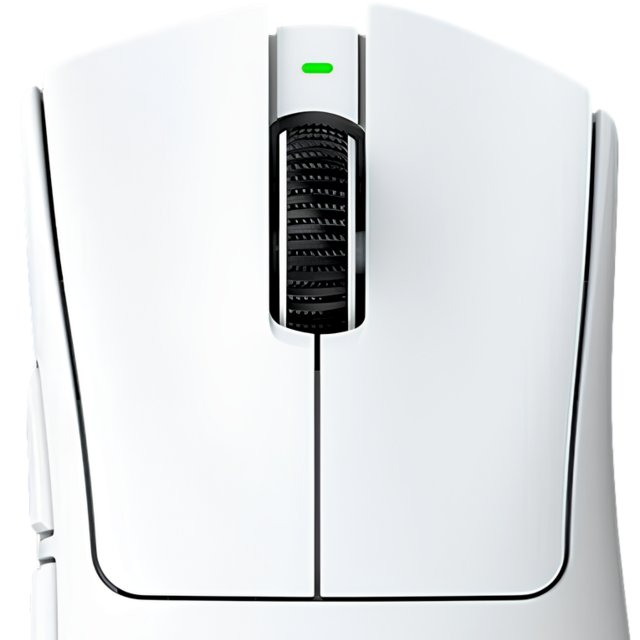
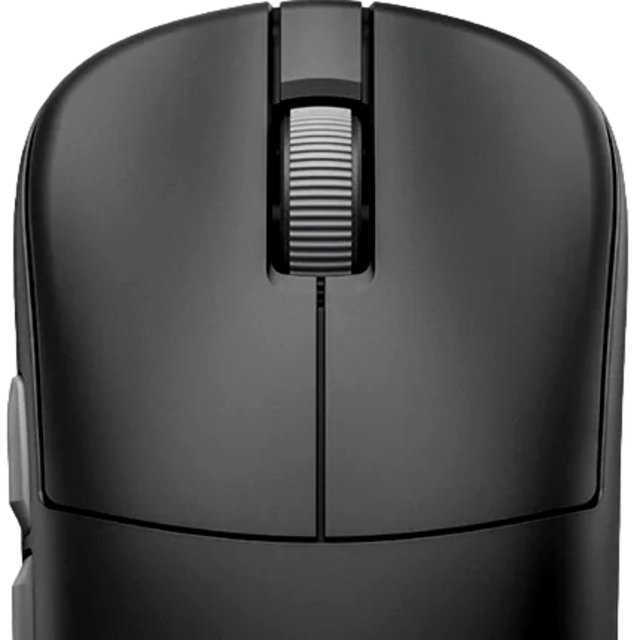
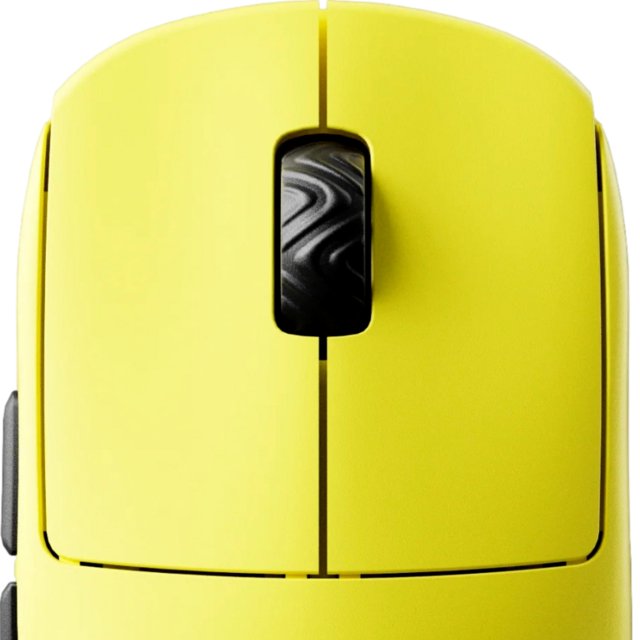
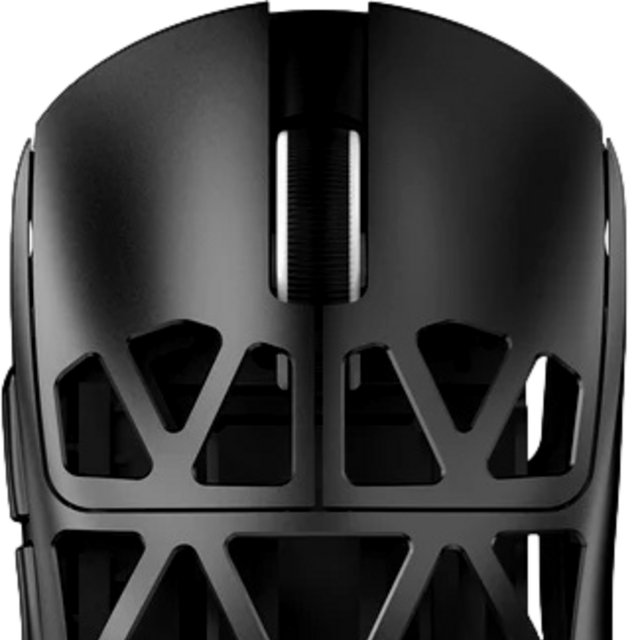


Frequently Asked Questions
What is the polling rate of the JLab Go Charge?
At 125 Hz, the JLab Go Charge is 94% below the category average for polling rate, ranking #285 out of 394 — see ranking mouse products.
What is the maximum dpi of the JLab Go Charge?
At 1600 DPI, the JLab Go Charge is 90% below the category average for maximum dpi, ranking #313 out of 399 — see ranking mouse products.
What is the minimum dpi of the JLab Go Charge?
At 800 DPI, the JLab Go Charge is 60% above the category average for minimum dpi, ranking #89 out of 395 — see ranking mouse products.
What is the maximum speed of the JLab Go Charge?
At 400 IPS, the JLab Go Charge is 30% below the category average for maximum speed, ranking #190 out of 283 — see ranking mouse products.
How many side buttons does the JLab Go Charge have?
At 2, the JLab Go Charge is 23% below the category average for number of side buttons, ranking #65 out of 319 — see ranking mouse products.
What is the battery life of the JLab Go Charge?
At 2880 hours, the JLab Go Charge is 15% above the category average for battery life, ranking #71 out of 341 — see ranking mouse products.
What is the cable length of the JLab Go Charge?
At 1.5 m, the JLab Go Charge is 14% below the category average for cable length, ranking #179 out of 216 — see ranking mouse products.
How does it compare?
How does the JLab Go Charge's battery life compare to similar mousess?
At 2880 hours, the JLab Go Charge leads the Fantech Helios II Pro S (40 hours) by 99%.
How does the JLab Go Charge's polling rate compare to similar mousess?
At 125 Hz, the JLab Go Charge trails the Razer DeathAdder V4 Pro (8000 Hz) by 98%.
How does the JLab Go Charge's maximum dpi compare to similar mousess?
At 1600 DPI, the JLab Go Charge trails the Razer DeathAdder V4 Pro (45000 DPI) by 96%.
How does the JLab Go Charge's minimum dpi compare to similar mousess?
At 800 DPI, the JLab Go Charge leads the Razer DeathAdder V4 Pro (100 DPI) by 88%.
How does the JLab Go Charge's maximum speed compare to similar mousess?
At 400 IPS, the JLab Go Charge trails the Razer DeathAdder V4 Pro (900 IPS) by 56%.
How does the JLab Go Charge's weight compare to similar mousess?
At 76 g, the JLab Go Charge trails the Scyrox V8 (36 g) by 53%.
How does the JLab Go Charge's maximum acceleration compare to similar mousess?
At 50G, the JLab Go Charge leads the Razer DeathAdder V4 Pro (85G) by 41%.
How does the JLab Go Charge's cable length compare to similar mousess?
At 1.5 m, the JLab Go Charge trails the Razer DeathAdder V4 Pro (1.8 m) by 17%.