
Chipset
LGA 1851ASRock Z890 Lightning WiFi
General info
| Cpu socket i | LGA 1851ASRock Z890 Lightning WiFi |
| Chipset i | Z890 (53 others) |
| Form factor i | ATX (296 others) |
| Release date i | 1 year ago10/10/2024 (34 others) |
| Supports wi fi i | ✔ (390 others) |
| Wi fi version i | Wi-Fi 4 (802.11n), Wi-Fi 5 (802.11ac), Wi-Fi 6 (802.11ax), Wi-Fi 6E (802.11ax), Wi-Fi 7 (802.11be) (181 others) |
| Has bluetooth i | ✔ (389 others) |
| Bluetooth Version i | 5.4 (178 others) |
| Hdmi version i | HDMI 2.1 (295 others) |
Memory
| Maximum memory amount i | 256GB (176 others) |
| Ram speed (max) i | 5600 MHz (94 others) |
| Overclocked ram speed i | 9066 MHz (12 others) |
| Memory slots i | 4 (354 others) |
| Ddr memory version i | 5 (328 others) |
| Memory channels i | 2 (412 others) |
| Supports ecc memory i | ✖ |
Ports
| Usb 3.2 gen 2 ports (usb a) i | 2 |
| Usb 3.2 gen 1 ports (usb a) i | 4 |
| Usb 3.2 gen 2 ports (usb c) i | 0 |
| Usb 3.2 gen 1 ports (usb c) i | 0 |
| Usb 2.0 ports i | 2 |
| Usb 3.2 gen 2x2 ports i | 0 |
| Usb 4 40gbps ports i | 2 (116 others) |
| Usb 4 20gbps ports i | 0 (359 others) |
| Thunderbolt 4 Ports i | 2 (125 others) |
Connectors
| Usb 3.2 gen 1 ports (through expansion) i | 4 |
| Usb 3.2 gen 2x2 ports (through expansion) i | 1 |
| Usb 2.0 ports (through expansion) i | 4 |
| Sata 3 connectors i | 4 (253 others) |
| Fan headers i | 8 (129 others) |
| Usb 3.0 ports (through expansion) i | 4 |
| M.2 Sockets i | 4 |
Expansion slots
| Pcie 4.0 x16 slots i | 1 |
| Pcie 5.0 x16 slots i | 1 |
| Pcie 3.0 x16 slots i | 0 |
| Pcie x1 slots i | 0 (236 others) |
| Pci slots i | 0 (438 others) |
| Pcie 2.0 x16 slots i | 0 |
| Pcie x4 slots i | 1 (92 others) |
| Pcie x8 slots i | 0 (431 others) |
Audio
| Signal to noise ratio (dac) i | 120 dB (253 others) |
| Audio channels i | 7.1 (395 others) |
| Has s/pdif out port i | ✔ (318 others) |
| Audio connectors i | 5 (167 others) |
Storage
| Supports raid 1 i | ✔ (440 others) |
| Supports raid 10 (1+0) i | ✔ (429 others) |
| Supports raid 5 i | ✔ (308 others) |
| Supports raid 0 i | ✔ (441 others) |
| Supports raid 0+1 i | ✖ |
Similar products
Frequently Asked Questions
What is the DDR memory version of the ASRock Z890 Lightning WiFi?
At 5, the ASRock Z890 Lightning WiFi ranks #1 out of 430 — see ranking motherboard products — one of the Highest DDR memory version in this category.
How many USB 4 40gbps ports does the ASRock Z890 Lightning WiFi have?
At 2, the ASRock Z890 Lightning WiFi ranks #1 out of 163 — see ranking motherboard products — one of the Highest USB 4 40gbps ports in this category, 17% above the category average.
How many Thunderbolt 4 ports does the ASRock Z890 Lightning WiFi have?
At 2, the ASRock Z890 Lightning WiFi ranks #1 out of 172 — see ranking motherboard products — one of the Highest Thunderbolt 4 ports in this category, 16% above the category average.
How many USB 3.2 Gen 1 ports (through expansion) does the ASRock Z890 Lightning WiFi have?
At 4, the ASRock Z890 Lightning WiFi ranks #2 out of 355 — see ranking motherboard products — one of the Highest USB 3.2 Gen 1 ports (through expansion) in this category, 41% above the category average.
How many USB 3.0 ports (through expansion) does the ASRock Z890 Lightning WiFi have?
At 4, the ASRock Z890 Lightning WiFi is 34% above the category average for USB 3.0 ports (through expansion), ranking #5 out of 396 — see ranking motherboard products.
How many USB 3.2 Gen 2 ports (USB-A) does the ASRock Z890 Lightning WiFi have?
At 2, the ASRock Z890 Lightning WiFi is 48% below the category average for USB 3.2 Gen 2 ports (USB-A), ranking #217 out of 372 — see ranking motherboard products.
What is the audio connectors of the ASRock Z890 Lightning WiFi?
At 5, the ASRock Z890 Lightning WiFi is 43% above the category average for audio connectors, ranking #14 out of 448 — see ranking motherboard products.
How many USB 2.0 ports does the ASRock Z890 Lightning WiFi have?
At 2, the ASRock Z890 Lightning WiFi is 34% below the category average for USB 2.0 ports, ranking #150 out of 291 — see ranking motherboard products.
What is the pcie 4.0 x16 slots of the ASRock Z890 Lightning WiFi?
At 1, the ASRock Z890 Lightning WiFi is 28% below the category average for pcie 4.0 x16 slots, ranking #68 out of 240 — see ranking motherboard products.
What is the overclocked ram speed of the ASRock Z890 Lightning WiFi?
At 9066 MHz, the ASRock Z890 Lightning WiFi is 27% above the category average for overclocked ram speed, ranking #44 out of 436 — see ranking motherboard products.
How much memory does the ASRock Z890 Lightning WiFi support?
At 256GB, the ASRock Z890 Lightning WiFi is 25% above the category average for maximum memory, ranking #8 out of 452 — see ranking motherboard products.
What is the pcie 5.0 x16 slots of the ASRock Z890 Lightning WiFi?
At 1, the ASRock Z890 Lightning WiFi is 24% below the category average for pcie 5.0 x16 slots, ranking #78 out of 287 — see ranking motherboard products.
How does it compare?
How does the ASRock Z890 Lightning WiFi's USB 3.2 Gen 2 ports (USB-A) compare to similar motherboardss?
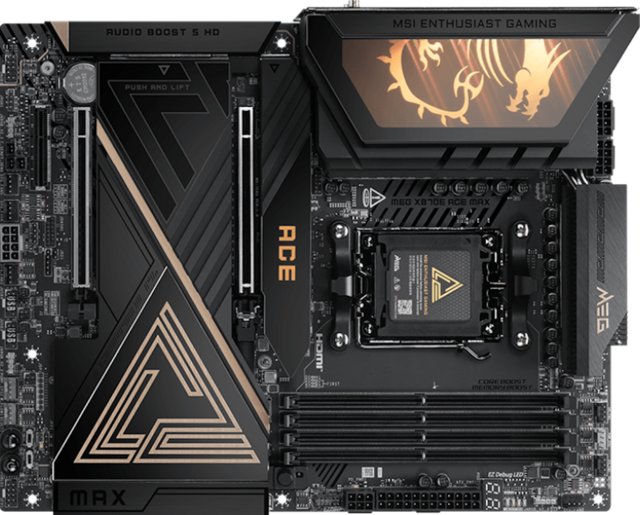
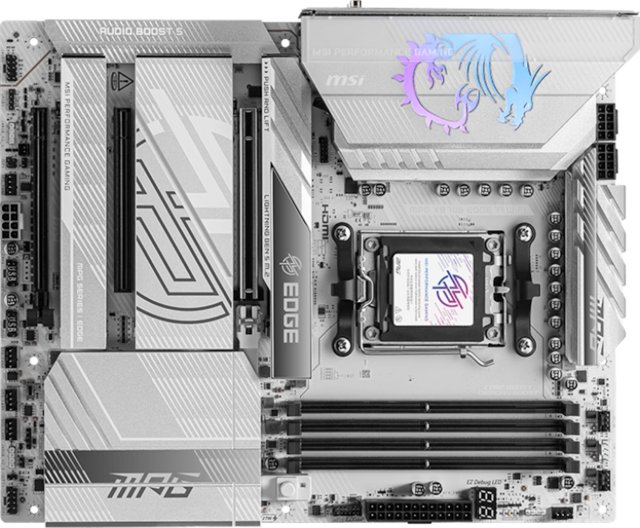
At 2, the ASRock Z890 Lightning WiFi trails the MSI MEG X870E Ace Max (9) by 78%.
How does the ASRock Z890 Lightning WiFi's fan headers compare to similar motherboardss?
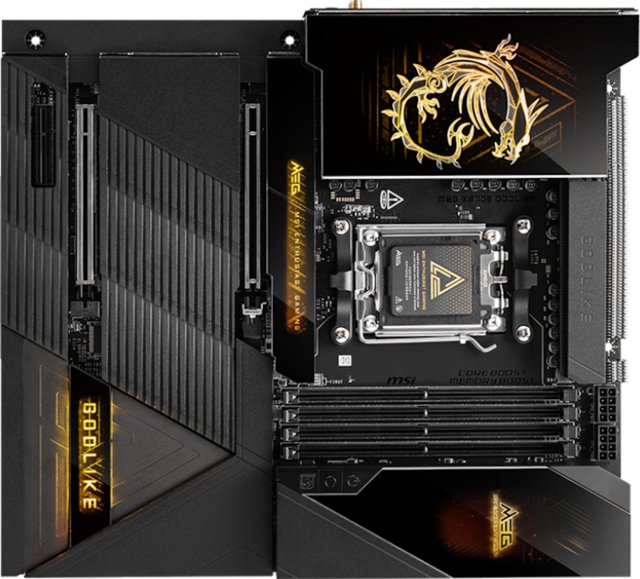
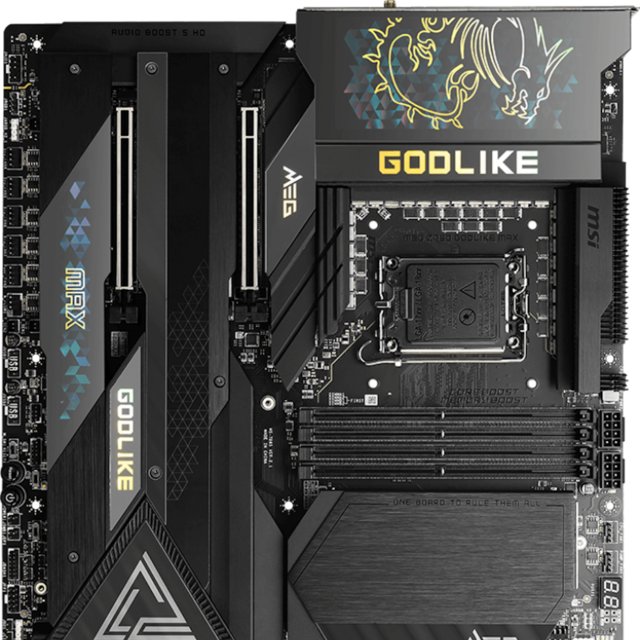
At 8, the ASRock Z890 Lightning WiFi leads the MSI MEG X870E Godlike (3) by 63%.
How does the ASRock Z890 Lightning WiFi's audio connectors compare to similar motherboardss?
At 5, the ASRock Z890 Lightning WiFi leads the MSI MEG X870E Ace Max (2) by 60%.
How does the ASRock Z890 Lightning WiFi's pcie 5.0 x16 slots compare to similar motherboardss?
At 1, the ASRock Z890 Lightning WiFi trails the MSI MEG X870E Godlike (2) by 50%.
How does the ASRock Z890 Lightning WiFi's audio channels compare to similar motherboardss?
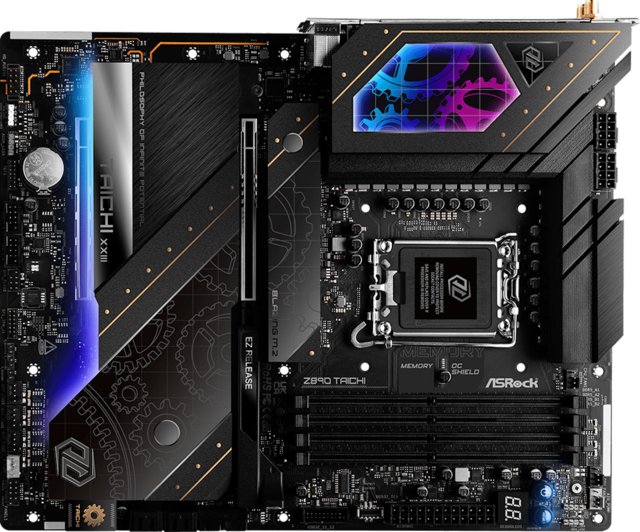
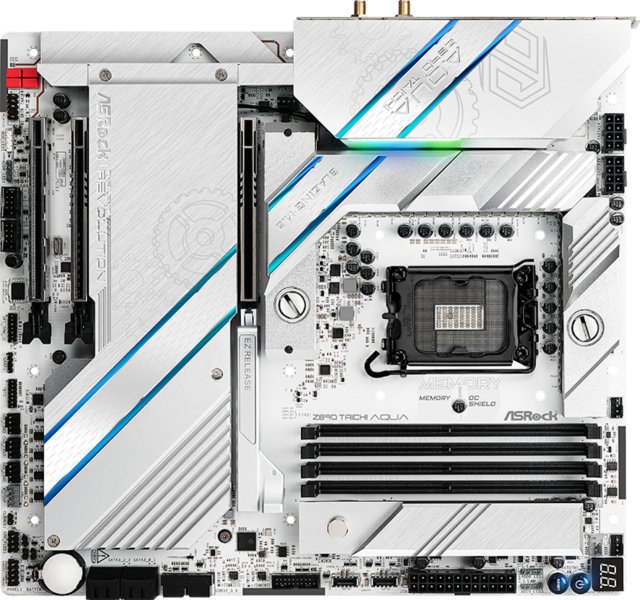
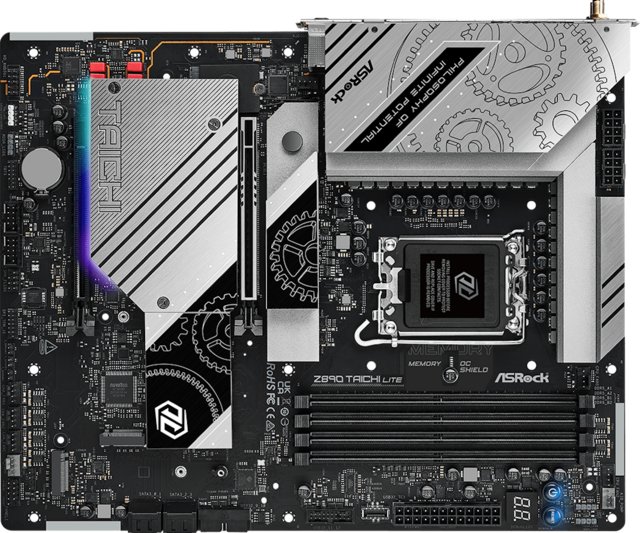
At 7.1, the ASRock Z890 Lightning WiFi leads the ASRock Z890 Taichi (5.1) by 28%.
How does the ASRock Z890 Lightning WiFi's signal-to-noise ratio (dac) compare to similar motherboardss?
At 120 dB, the ASRock Z890 Lightning WiFi trails the MSI MEG X870E Ace Max (130 dB) by 8%.
How does the ASRock Z890 Lightning WiFi's overclocked ram speed compare to similar motherboardss?
At 9066 MHz, the ASRock Z890 Lightning WiFi leads the MSI MEG X870E Godlike (8400 MHz) by 7%.