
Resolution
3840 x 2160 px
Contrast
1000:1
Response Time
1 ms
Gigabyte M32U 31.5" features ✔ processor, 31.5" display, 350 nits brightness, 144Hz refresh rate.
Display
| Display Type i | IPS, LCD, LED-backlitGigabyte M32U 31.5" |
| Response time i | 1 ms (188 others) |
| Screen Size i | 31.5" (71 others) |
| Resolution i | 3840 x 2160 px (227 others) |
| Pixel Density i | 140 ppi (17 others) |
| Adaptive Synchronization i | AMD FreeSync Premium Pro (19 others) |
| Has anti glare coating i | ✔ (489 others) |
| Refresh Rate i | 144Hz (60 others) |
| Maximum horizontal viewing angle i | 178º (676 others) |
General info
| Type i | GamingGigabyte M32U 31.5" |
| Release date i | 4 years ago09/17/2021 |
| Eu energy label i | G (113 others) |
| Supports total tilt i | ✔ (615 others) |
| Has A Swivel Stand i | ✔ (400 others) |
| Supports vesa mount i | ✔ (647 others) |
| Height i | 423.8 mm |
| Width i | 715.8 mm |
| Thickness i | 68.2 mm |
Colors
| Brightness (typical) i | 350 nits (83 others) |
| Supports color calibration i | ✔ (312 others) |
| Display colors i | 1070 million (299 others) |
| Bit depth i | 10-bit (253 others) |
| Contrast ratio i | 1000:1 (293 others) |
| Srgb coverage i | 123% (6 others) |
Connectivity
| HDMI Ports i | 2 (373 others) |
| Supports thunderbolt i | ✖ |
| Displayport outputs i | 1 (464 others) |
| Has a socket for a 3.5 mm audio jack i | ✔ |
| Has a dvi connector i | ✖ |
| USB Ports i | 4 (109 others) |
| Usb version i | 3 (73 others) |
| Has usb type c i | ✔ (384 others) |
Power
| Standby power consumption i | 0.5W (435 others) |
Miscellaneous
| Height adjustment range i | 13 cm (41 others) |
| Has A Curved Display i | ✖ |
| Has srs theatersound hd i | ✖ |
| Supports bfi i | ✔ (2 others) |
| Supports usb recording i | ✖ |
| Has a child lock i | ✖ |
| Supports dolby virtual i | ✖ |
| Is dlna certified i | ✖ |
| Audio input ports i | 0 (26 others) |
Similar products




Frequently Asked Questions
What is the contrast ratio of the Gigabyte M32U 31.5"?
At 1000:1, the Gigabyte M32U 31.5" is 100% below the category average for contrast ratio, ranking #390 out of 734 — see ranking monitor products.
What is the response time of the Gigabyte M32U 31.5"?
At 1 ms, the Gigabyte M32U 31.5" is 77% below the category average for response time, ranking #141 out of 720 — see ranking monitor products.
How many colors does the Gigabyte M32U 31.5" display support?
At 1070 million, the Gigabyte M32U 31.5" is 71% above the category average for display colors, ranking #67 out of 676 — see ranking monitor products.
How many USB ports does the Gigabyte M32U 31.5" have?
At 4, the Gigabyte M32U 31.5" is 28% above the category average for USB ports, ranking #104 out of 595 — see ranking monitor products.
What is the standby power consumption of the Gigabyte M32U 31.5"?
At 0.5W, the Gigabyte M32U 31.5" is 19% below the category average for standby power consumption, ranking #75 out of 561 — see ranking monitor products.
What is the pixel density of the Gigabyte M32U 31.5"?
At 140 ppi, the Gigabyte M32U 31.5" is 18% above the category average for pixel density, ranking #175 out of 723 — see ranking monitor products.
How many HDMI ports does the Gigabyte M32U 31.5" have?
At 2, the Gigabyte M32U 31.5" is 13% above the category average for HDMI ports, ranking #57 out of 674 — see ranking monitor products.
What is the srgb coverage of the Gigabyte M32U 31.5"?
At 123%, the Gigabyte M32U 31.5" is 12% above the category average for srgb coverage, ranking #93 out of 353 — see ranking monitor products.
What is the colour bit depth of the Gigabyte M32U 31.5"?
At 10-bit, the Gigabyte M32U 31.5" is 12% above the category average for bit depth, ranking #246 out of 499 — see ranking monitor products.
Does the Gigabyte M32U 31.5" have USB Type-C?
Yes, the Gigabyte M32U 31.5" has USB Type-C. This feature is found in 53% of monitors.
Does the Gigabyte M32U 31.5" have a 3.5mm headphone jack?
Yes, the Gigabyte M32U 31.5" has a 3.5mm headphone jack. This feature is found in 76% of monitors.
Does the Gigabyte M32U 31.5" support VESA mount?
Yes, the Gigabyte M32U 31.5" supports VESA mount. This feature is found in 86% of monitors.
How does it compare?
How does the Gigabyte M32U 31.5"'s display colors compare to similar monitorss?
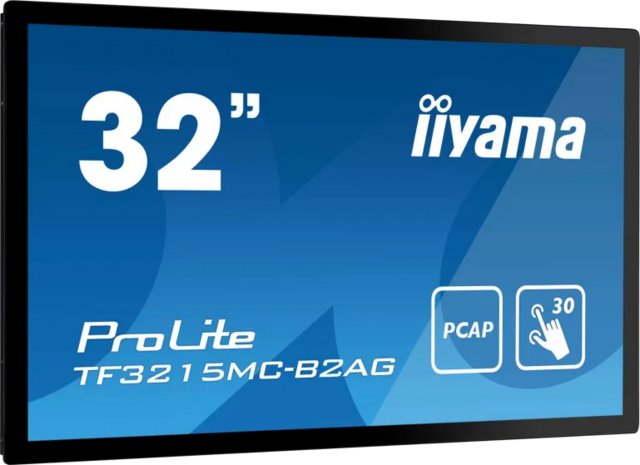
At 1070 million, the Gigabyte M32U 31.5" leads the iiyama Prolite TF3215MC-B2AG 32" (16.7 million) by 98%.
How does the Gigabyte M32U 31.5"'s response time compare to similar monitorss?
At 1 ms, the Gigabyte M32U 31.5" leads the iiyama Prolite TF3215MC-B2AG 32" (8 ms) by 88%.
How does the Gigabyte M32U 31.5"'s contrast ratio compare to similar monitorss?
At 1000:1, the Gigabyte M32U 31.5" trails the Lenovo Legion Y32p-30 31.5" (3000:1) by 67%.
How does the Gigabyte M32U 31.5"'s standby power consumption compare to similar monitorss?
At 0.5W, the Gigabyte M32U 31.5" leads the iiyama Prolite TF3215MC-B2AG 32" (1.5W) by 67%.
How does the Gigabyte M32U 31.5"'s USB ports compare to similar monitorss?
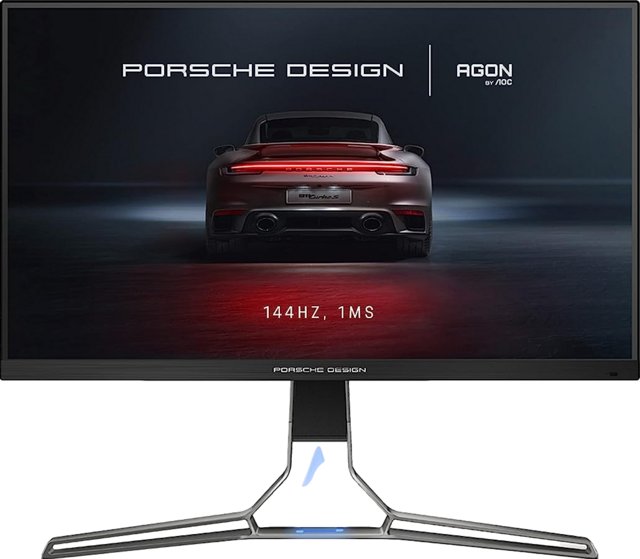
At 4, the Gigabyte M32U 31.5" leads the AOC Agon Pro PD32M 32" (2) by 50%.
How does the Gigabyte M32U 31.5"'s display brightness compare to similar monitorss?
At 350 nits, the Gigabyte M32U 31.5" trails the BenQ Mobiuz EX321UX 32" (700 nits) by 50%.
How does the Gigabyte M32U 31.5"'s HDMI ports compare to similar monitorss?
At 2, the Gigabyte M32U 31.5" leads the iiyama Prolite TF3215MC-B2AG 32" (1) by 50%.
How does the Gigabyte M32U 31.5"'s srgb coverage compare to similar monitorss?
At 123%, the Gigabyte M32U 31.5" trails the AOC Agon Pro PD32M 32" (156%) by 21%.
How does the Gigabyte M32U 31.5"'s bit depth compare to similar monitorss?
At 10-bit, the Gigabyte M32U 31.5" trails the iiyama Prolite TF3215MC-B2AG 32" (8-bit) by 20%.
How does the Gigabyte M32U 31.5"'s pixel density compare to similar monitorss?
At 140 ppi, the Gigabyte M32U 31.5" leads the BenQ Mobiuz EX321UX 32" (138 ppi) by 1%.