Resolution
2560 x 1440 px
Contrast
3000:1
Response Time
1 ms
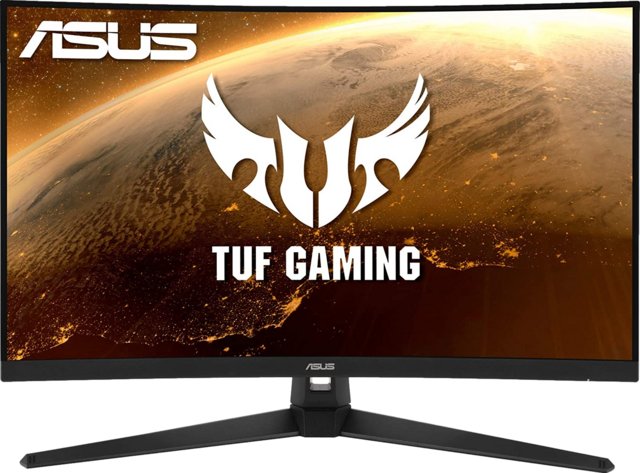
Asus TUF Gaming VG32VQ1BR 31.5" features ✔ processor, 31.5" display, 250 nits brightness, 165Hz refresh rate.
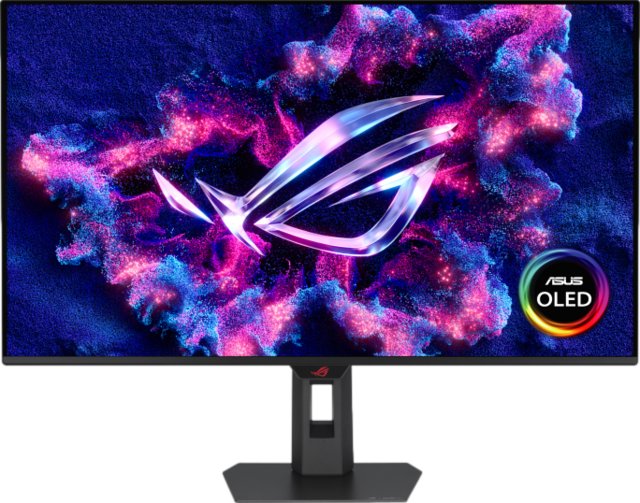
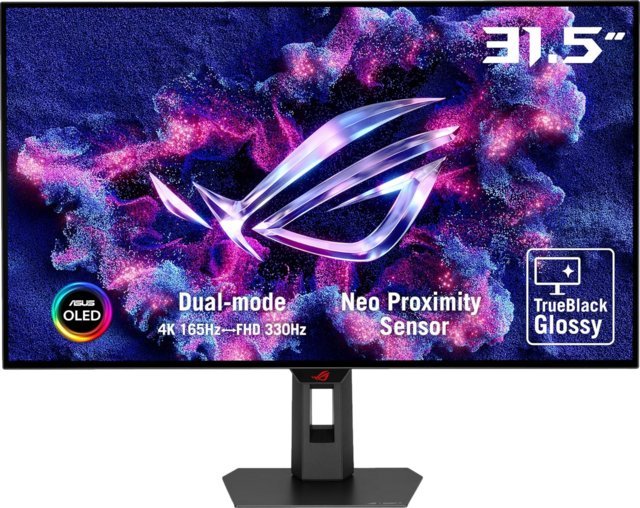
5" has 75% dimmer display at 250 nits compared to ROG Swift OLED PG32UCDM3 32"'s 1,000 nits. Against the ProArt Display PA27JCV 27", features a larger 31.5" display versus 27".
Display
| Display Type i | LCDAsus TUF Gaming VG32VQ1BR 31.5" |
| Response time i | 1 ms (188 others) |
| Screen Size i | 31.5" (71 others) |
| Resolution i | 2560 x 1440 px (135 others) |
| Pixel Density i | 93 ppi (32 others) |
| Adaptive Synchronization i | VESA Adaptive Sync (72 others) |
| Has anti glare coating i | ✔ (489 others) |
| Refresh Rate i | 165Hz (40 others) |
| Maximum horizontal viewing angle i | 178º (676 others) |
General info
| Type i | Curved, GamingAsus TUF Gaming VG32VQ1BR 31.5" |
| Release date i | 4 years ago02/27/2021 |
| Eu energy label i | G (113 others) |
| Supports total tilt i | ✔ (615 others) |
| Has A Swivel Stand i | ✔ (400 others) |
| Supports vesa mount i | ✔ (647 others) |
| Height i | 426 mm (7 others) |
| Width i | 709 mm (3 others) |
| Thickness i | 87 mm (9 others) |
Colors
| Brightness (typical) i | 250 nits (181 others) |
| Supports color calibration i | ✔ (312 others) |
| Display colors i | 1073.7 million (6 others) |
| Bit depth i | 8-bit (222 others) |
| Contrast ratio i | 3000:1 (66 others) |
| Srgb coverage i | 120% (5 others) |
Connectivity
| HDMI Ports i | 2 (373 others) |
| Supports thunderbolt i | ✖ |
| Displayport outputs i | 1 (464 others) |
| Has a socket for a 3.5 mm audio jack i | ✔ |
| Has a dvi connector i | ✖ |
| USB Ports i | 0 (134 others) |
| Has usb type c i | ✖ |
| Hdmi version i | HDMI 2.0 (78 others) |
Power
| Operating power consumption i | 28W (5 others) |
| Standby power consumption i | 0.5W (435 others) |
Miscellaneous
| Has srs theatersound hd i | ✖ |
| Supports usb recording i | ✖ |
| Supports bfi i | ✖ |
| Has a child lock i | ✖ |
| Supports dolby virtual i | ✖ |
| Supports multicomputer control i | ✖ |
| Displays 3d with glasses i | ✖ |
| Is dlna certified i | ✖ |
| Has a search browser i | ✖ |
Similar products


Frequently Asked Questions
How many colors does the Asus TUF Gaming VG32VQ1BR 31.5" display support?
At 1073.7 million, the Asus TUF Gaming VG32VQ1BR 31.5" is 72% above the category average for display colors, ranking #5 out of 676 — see ranking monitor products.
What is the contrast ratio of the Asus TUF Gaming VG32VQ1BR 31.5"?
At 3000:1, the Asus TUF Gaming VG32VQ1BR 31.5" is 100% below the category average for contrast ratio, ranking #179 out of 734 — see ranking monitor products.
What is the response time of the Asus TUF Gaming VG32VQ1BR 31.5"?
At 1 ms, the Asus TUF Gaming VG32VQ1BR 31.5" is 77% below the category average for response time, ranking #141 out of 720 — see ranking monitor products.
What is the operating power consumption of the Asus TUF Gaming VG32VQ1BR 31.5"?
At 28W, the Asus TUF Gaming VG32VQ1BR 31.5" is 44% below the category average for operating power consumption, ranking #264 out of 636 — see ranking monitor products.
How bright is the Asus TUF Gaming VG32VQ1BR 31.5" display?
At 250 nits, the Asus TUF Gaming VG32VQ1BR 31.5" is 32% below the category average for display brightness, ranking #527 out of 731 — see ranking monitor products.
What is the refresh rate of the Asus TUF Gaming VG32VQ1BR 31.5"?
At 165Hz, the Asus TUF Gaming VG32VQ1BR 31.5" is 25% above the category average for refresh rate, ranking #198 out of 731 — see ranking monitor products.
What is the pixel density of the Asus TUF Gaming VG32VQ1BR 31.5"?
At 93 ppi, the Asus TUF Gaming VG32VQ1BR 31.5" is 22% below the category average for pixel density, ranking #507 out of 723 — see ranking monitor products.
What is the standby power consumption of the Asus TUF Gaming VG32VQ1BR 31.5"?
At 0.5W, the Asus TUF Gaming VG32VQ1BR 31.5" is 19% below the category average for standby power consumption, ranking #75 out of 561 — see ranking monitor products.
How many HDMI ports does the Asus TUF Gaming VG32VQ1BR 31.5" have?
At 2, the Asus TUF Gaming VG32VQ1BR 31.5" is 13% above the category average for HDMI ports, ranking #57 out of 674 — see ranking monitor products.
What is the colour bit depth of the Asus TUF Gaming VG32VQ1BR 31.5"?
At 8-bit, the Asus TUF Gaming VG32VQ1BR 31.5" is 10% below the category average for bit depth, ranking #23 out of 499 — see ranking monitor products.
Does the Asus TUF Gaming VG32VQ1BR 31.5" have USB Type-C?
No, the Asus TUF Gaming VG32VQ1BR 31.5" does not have USB Type-C. This feature is available in 53% of monitors.
Does the Asus TUF Gaming VG32VQ1BR 31.5" have a 3.5mm headphone jack?
Yes, the Asus TUF Gaming VG32VQ1BR 31.5" has a 3.5mm headphone jack. This feature is found in 76% of monitors.
Does the Asus TUF Gaming VG32VQ1BR 31.5" support VESA mount?
Yes, the Asus TUF Gaming VG32VQ1BR 31.5" supports VESA mount. This feature is found in 86% of monitors.
How does it compare?
How does the Asus TUF Gaming VG32VQ1BR 31.5"'s contrast ratio compare to similar monitorss?
At 3000:1, the Asus TUF Gaming VG32VQ1BR 31.5" trails the Gigabyte MO32U 32" (1500000:1) by 100%.
How does the Asus TUF Gaming VG32VQ1BR 31.5"'s display colors compare to similar monitorss?
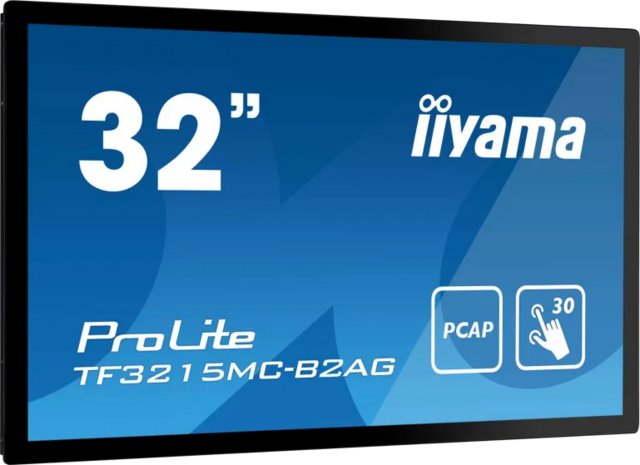
At 1073.7 million, the Asus TUF Gaming VG32VQ1BR 31.5" leads the iiyama Prolite TF3215MC-B2AG 32" (16.7 million) by 98%.
How does the Asus TUF Gaming VG32VQ1BR 31.5"'s response time compare to similar monitorss?
At 1 ms, the Asus TUF Gaming VG32VQ1BR 31.5" trails the Gigabyte MO32U 32" (0.03 ms) by 97%.
How does the Asus TUF Gaming VG32VQ1BR 31.5"'s operating power consumption compare to similar monitorss?
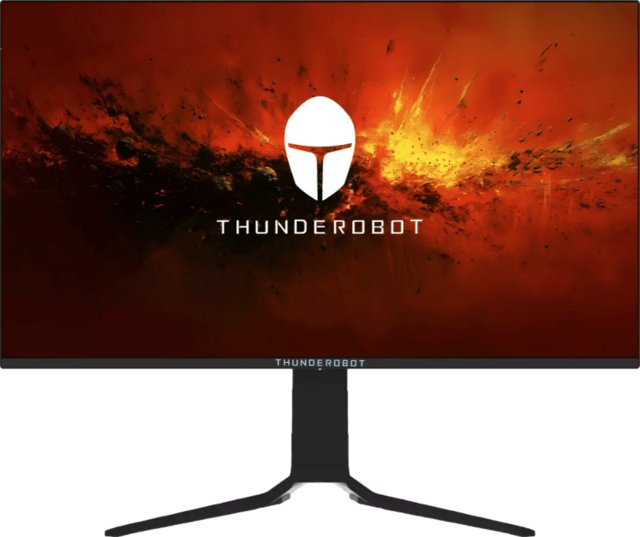
At 28W, the Asus TUF Gaming VG32VQ1BR 31.5" leads the Thunderobot Zero UW165 Epic 32" (240W) by 88%.
How does the Asus TUF Gaming VG32VQ1BR 31.5"'s display brightness compare to similar monitorss?
At 250 nits, the Asus TUF Gaming VG32VQ1BR 31.5" trails the Gigabyte MO32U 32" (1000 nits) by 75%.
How does the Asus TUF Gaming VG32VQ1BR 31.5"'s standby power consumption compare to similar monitorss?
At 0.5W, the Asus TUF Gaming VG32VQ1BR 31.5" leads the iiyama Prolite TF3215MC-B2AG 32" (1.5W) by 67%.
How does the Asus TUF Gaming VG32VQ1BR 31.5"'s HDMI ports compare to similar monitorss?
At 2, the Asus TUF Gaming VG32VQ1BR 31.5" leads the iiyama Prolite TF3215MC-B2AG 32" (1) by 50%.
How does the Asus TUF Gaming VG32VQ1BR 31.5"'s pixel density compare to similar monitorss?
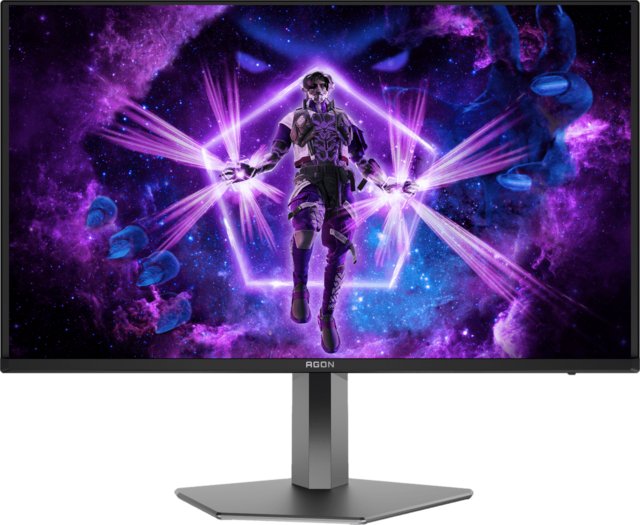
At 93 ppi, the Asus TUF Gaming VG32VQ1BR 31.5" trails the AOC Agon Pro AG326UD 32" (139.87 ppi) by 34%.
How does the Asus TUF Gaming VG32VQ1BR 31.5"'s bit depth compare to similar monitorss?
At 8-bit, the Asus TUF Gaming VG32VQ1BR 31.5" leads the Gigabyte MO32U 32" (10-bit) by 20%.
How does the Asus TUF Gaming VG32VQ1BR 31.5"'s srgb coverage compare to similar monitorss?
At 120%, the Asus TUF Gaming VG32VQ1BR 31.5" leads the Thunderobot Zero UW165 Epic 32" (100%) by 17%.