
Resolution
4800 x 1200 dpi
General info
| Printer functions i | Print, Copy, Scan (311 others) |
| Audible noise i | 51 dB (6 others) |
| Feeder tray capacity i | 500 sheets (13 others) |
| Has an automatic document feeder (adf) i | ✔ (240 others) |
| Number of input trays i | 2 (128 others) |
| Volume i | 54288.96 cm³ (1 other) |
Print quality
| Can Print In Color i | ✔ (275 others) |
| Can Print Duplex i | ✔ (258 others) |
| Print resolution i | 4800 x 1200 dpi (64 others) |
| Black print speed i | 24 ppm (7 others) |
| Is A Laser Printer i | ✖ |
| Maximum print size i | 215 x 1198" (20 others) |
| Print speed color i | 22 ppm (10 others) |
Scan quality
| Scans documents to pdf i | ✔ (240 others) |
| Has an auto scan mode i | ✖ |
| Optical scan resolution i | 1200 x 1200 dpi (56 others) |
| Has A Duplex Scanning Feature i | ✖ |
Connectivity
| Supports wi fi i | ✔ (295 others) |
| Supports airprint i | ✔ (247 others) |
| Supports wi fi direct printing i | ✔ (199 others) |
| Supports mopria i | ✖ |
| Has an external memory slot i | ✖ |
| Has bluetooth i | ✖ |
| Supports ethernet i | ✔ (173 others) |
| Wi fi version i | Wi-Fi 4 (802.11n) (130 others) |
| Works with alexa i | ✖ |
Similar products
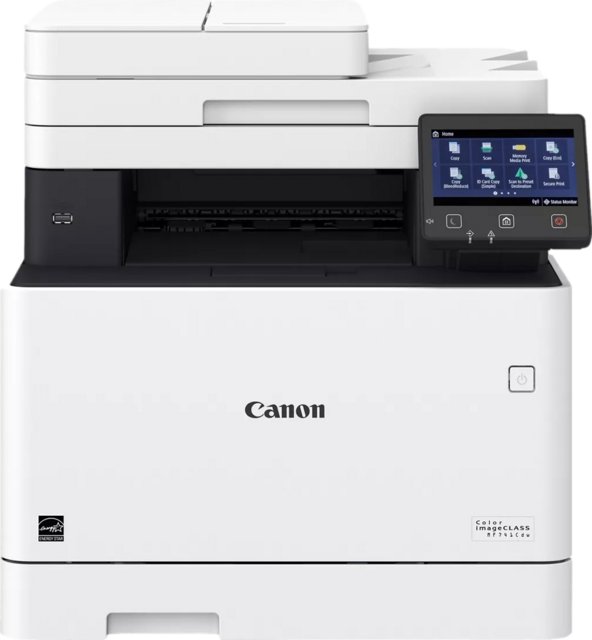
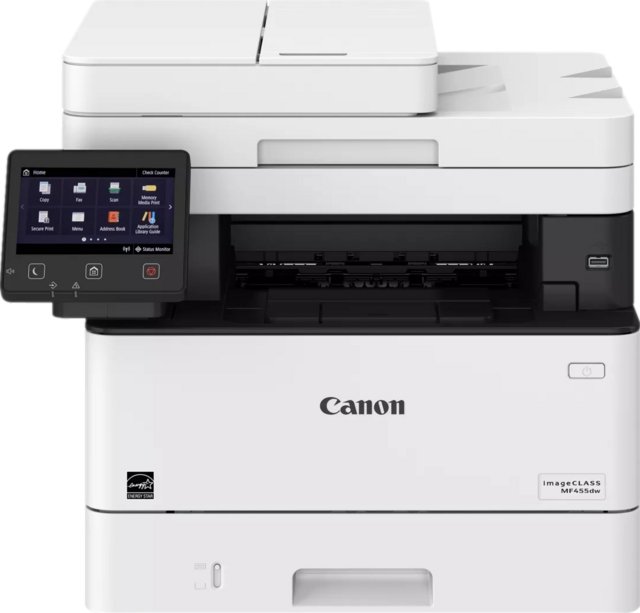
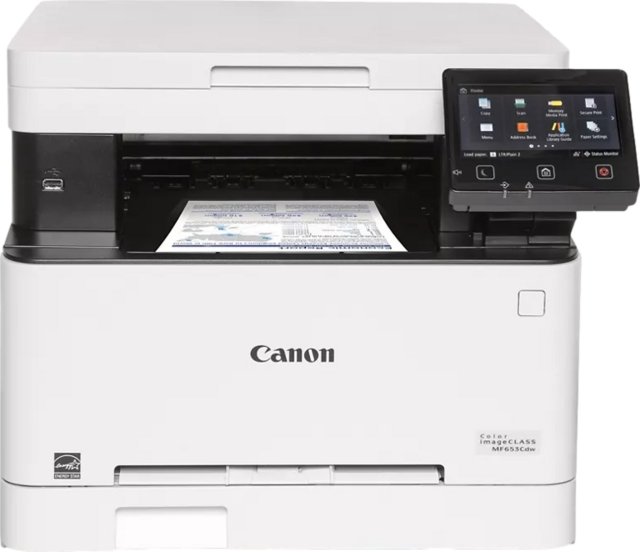
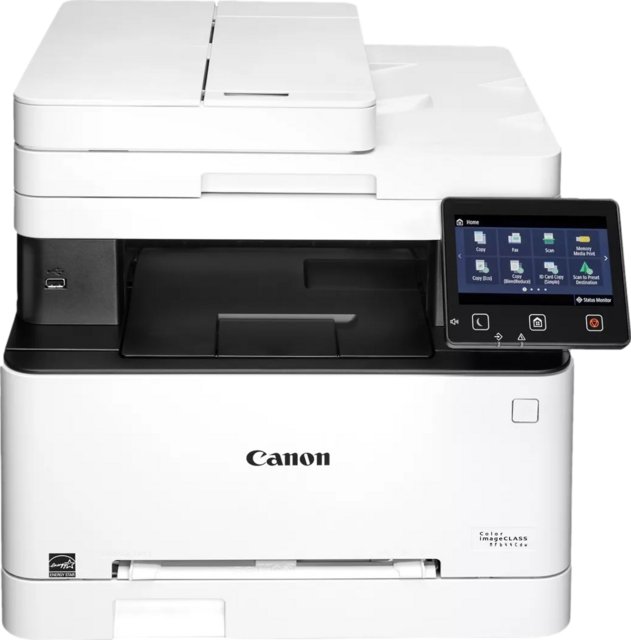
Frequently Asked Questions
What is the feeder tray capacity of the Epson WorkForce Pro WF-4740?
At 500 sheets, the Epson WorkForce Pro WF-4740 is 90% above the category average for feeder tray capacity, ranking #28 out of 297 — see ranking all in one printer products.
What is the print speed color of the Epson WorkForce Pro WF-4740?
At 22 ppm, the Epson WorkForce Pro WF-4740 is 48% above the category average for print speed color, ranking #54 out of 257 — see ranking all in one printer products.
How many input trays does the Epson WorkForce Pro WF-4740 have?
At 2, the Epson WorkForce Pro WF-4740 is 25% above the category average for number of input trays, ranking #23 out of 294 — see ranking all in one printer products.
What is the black print speed of the Epson WorkForce Pro WF-4740?
At 24 ppm, the Epson WorkForce Pro WF-4740 is 19% above the category average for black print speed, ranking #91 out of 301 — see ranking all in one printer products.
Does the Epson WorkForce Pro WF-4740 have an external memory slot?
No, the Epson WorkForce Pro WF-4740 does not have an external memory slot. This feature is available in 35% of all in one printers.
Does the Epson WorkForce Pro WF-4740 work with Alexa?
No, the Epson WorkForce Pro WF-4740 does not work with Alexa. This feature is available in 29% of all in one printers.
How does it compare?
How does the Epson WorkForce Pro WF-4740's feeder tray capacity compare to similar all in one printerss?
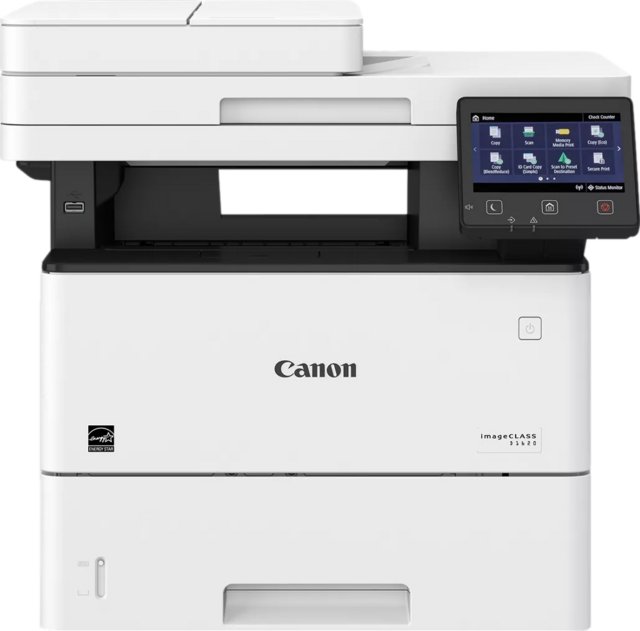
At 500 sheets, the Epson WorkForce Pro WF-4740 trails the Canon imageClass D1620 (2300 sheets) by 78%.
How does the Epson WorkForce Pro WF-4740's black print speed compare to similar all in one printerss?
At 24 ppm, the Epson WorkForce Pro WF-4740 leads the Canon imageClass D1620 (6.2 ppm) by 74%.
How does the Epson WorkForce Pro WF-4740's number of input trays compare to similar all in one printerss?
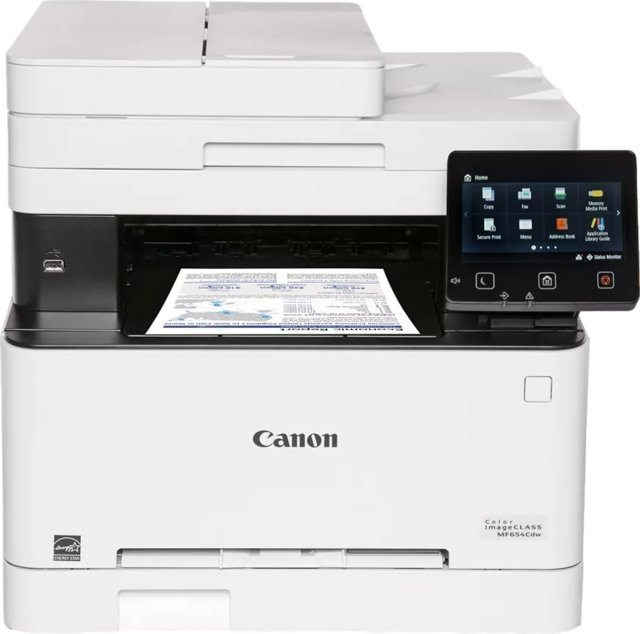
At 2, the Epson WorkForce Pro WF-4740 leads the Canon Color imageClass MF654Cdw (1) by 50%.
How does the Epson WorkForce Pro WF-4740's print speed color compare to similar all in one printerss?
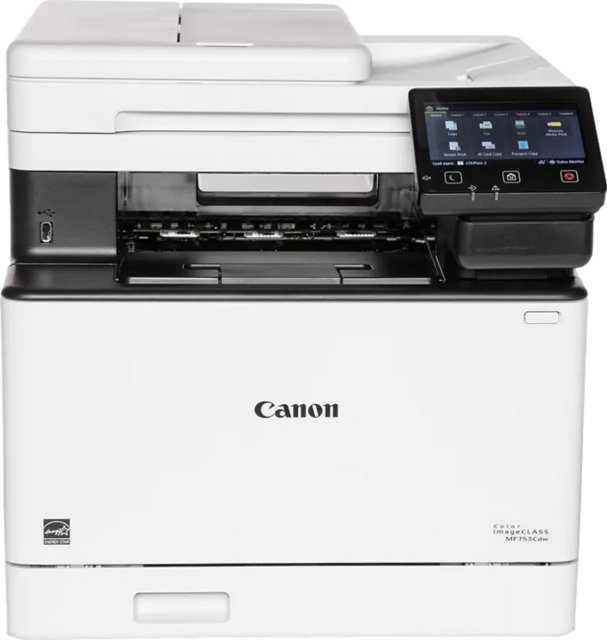
At 22 ppm, the Epson WorkForce Pro WF-4740 trails the Canon Color imageClass MF753Cdw (35 ppm) by 37%.
How does the Epson WorkForce Pro WF-4740's audible noise compare to similar all in one printerss?
At 51 dB, the Epson WorkForce Pro WF-4740 trails the Canon Color imageClass MF654Cdw (58 dB) by 12%.