
Resolution
5760 x 1440 dpi
General info
| Printer functions i | Print, Copy, Scan (311 others) |
| Release date i | 1 year ago12/12/2024 |
| Feeder tray capacity i | 100 sheets (65 others) |
| Output tray capacity i | 30 (13 others) |
| Has an automatic document feeder (adf) i | ✖ |
| Number of input trays i | 1 (142 others) |
| Volume i | 23292.38 cm³ (1 other) |
| Operating power consumption i | 12W (20 others) |
Print quality
| Can Print In Color i | ✔ (275 others) |
| Can Print Duplex i | ✖ |
| Print resolution i | 5760 x 1440 dpi (6 others) |
| Black print speed i | 33 ppm (6 others) |
| Is A Laser Printer i | ✖ |
| Print speed color i | 15 ppm (5 others) |
| 1st copy out time black i | 10 seconds (16 others) |
Scan quality
| Scans documents to pdf i | ✖ |
| Has an auto scan mode i | ✖ |
| Has A Duplex Scanning Feature i | ✖ |
Connectivity
| Supports wi fi i | ✔ (295 others) |
| Supports airprint i | ✔ (247 others) |
| Supports wi fi direct printing i | ✔ (199 others) |
| Supports mopria i | ✔ (220 others) |
| Has an external memory slot i | ✖ |
| Has bluetooth i | ✖ |
| Supports ethernet i | ✖ |
| Works with alexa i | ✖ |
Similar products
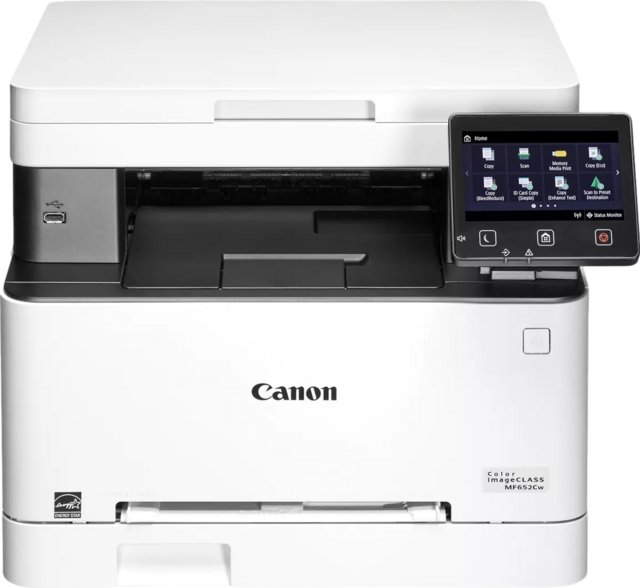
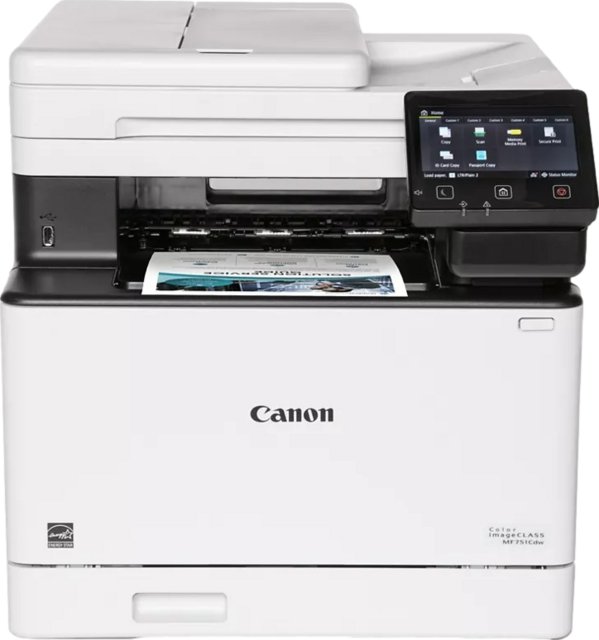
Frequently Asked Questions
What is the operating power consumption of the Epson EcoTank ET-2860 All-in-One?
At 12W, the Epson EcoTank ET-2860 All-in-One is 97% below the category average for operating power consumption, ranking #18 out of 200 — see ranking all in one printer products.
How many output tray capacity does the Epson EcoTank ET-2860 All-in-One have?
At 30, the Epson EcoTank ET-2860 All-in-One is 77% below the category average for output tray capacity, ranking #199 out of 253 — see ranking all in one printer products.
What is the black print speed of the Epson EcoTank ET-2860 All-in-One?
At 33 ppm, the Epson EcoTank ET-2860 All-in-One is 64% above the category average for black print speed, ranking #33 out of 301 — see ranking all in one printer products.
What is the feeder tray capacity of the Epson EcoTank ET-2860 All-in-One?
At 100 sheets, the Epson EcoTank ET-2860 All-in-One is 62% below the category average for feeder tray capacity, ranking #195 out of 297 — see ranking all in one printer products.
Does the Epson EcoTank ET-2860 All-in-One have an external memory slot?
No, the Epson EcoTank ET-2860 All-in-One does not have an external memory slot. This feature is available in 35% of all in one printers.
Does the Epson EcoTank ET-2860 All-in-One work with Alexa?
No, the Epson EcoTank ET-2860 All-in-One does not work with Alexa. This feature is available in 29% of all in one printers.
How does it compare?
How does the Epson EcoTank ET-2860 All-in-One's operating power consumption compare to similar all in one printerss?
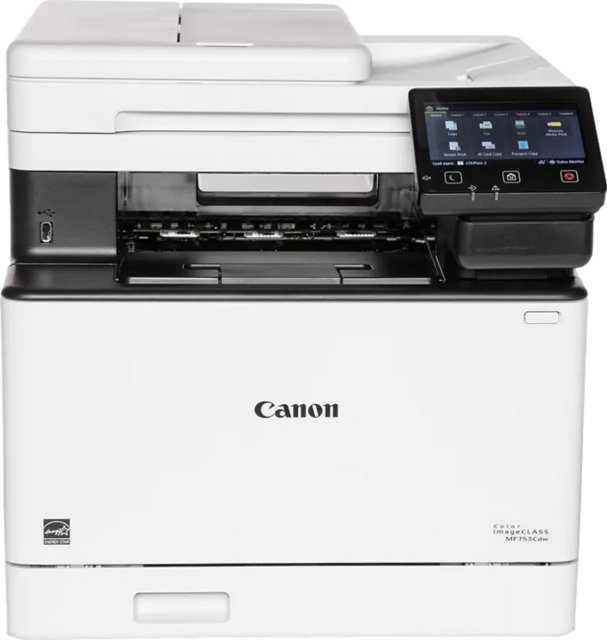
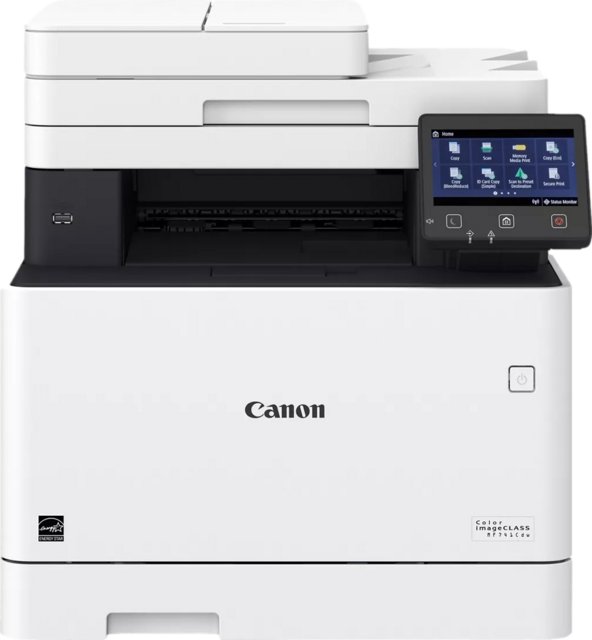
At 12W, the Epson EcoTank ET-2860 All-in-One leads the Canon Color imageClass MF753Cdw (1610W) by 99%.
How does the Epson EcoTank ET-2860 All-in-One's feeder tray capacity compare to similar all in one printerss?
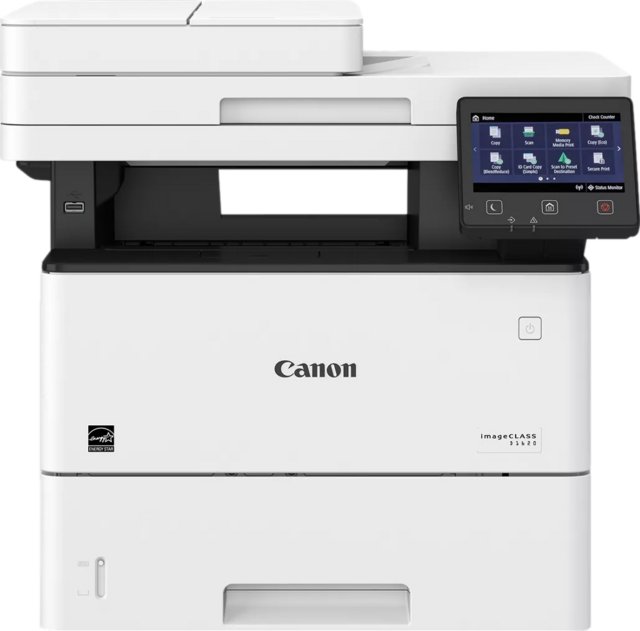
At 100 sheets, the Epson EcoTank ET-2860 All-in-One trails the Canon imageClass D1620 (2300 sheets) by 96%.
How does the Epson EcoTank ET-2860 All-in-One's output tray capacity compare to similar all in one printerss?
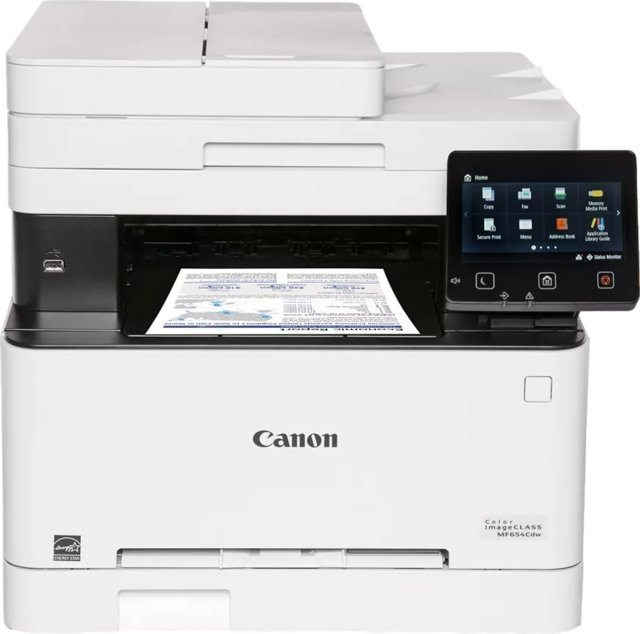
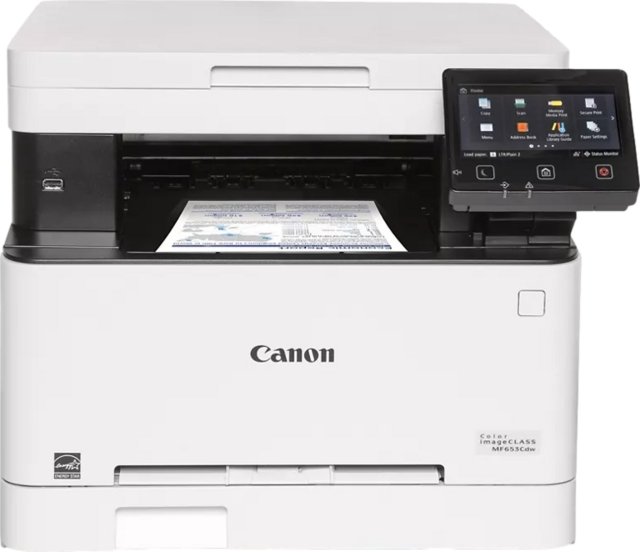
At 30, the Epson EcoTank ET-2860 All-in-One trails the Canon Color imageClass MF654Cdw (250) by 88%.
How does the Epson EcoTank ET-2860 All-in-One's black print speed compare to similar all in one printerss?
At 33 ppm, the Epson EcoTank ET-2860 All-in-One leads the Canon imageClass D1620 (6.2 ppm) by 81%.
How does the Epson EcoTank ET-2860 All-in-One's print speed color compare to similar all in one printerss?
At 15 ppm, the Epson EcoTank ET-2860 All-in-One trails the Canon Color imageClass MF753Cdw (35 ppm) by 57%.
How does the Epson EcoTank ET-2860 All-in-One's number of input trays compare to similar all in one printerss?
At 1, the Epson EcoTank ET-2860 All-in-One trails the Canon Color imageClass MF753Cdw (2) by 50%.
How does the Epson EcoTank ET-2860 All-in-One's 1st copy out time - black compare to similar all in one printerss?
At 10 seconds, the Epson EcoTank ET-2860 All-in-One leads the Canon imageClass D1620 (6.2 seconds) by 38%.