
Resolution
600 x 600 dpi
General info
| Printer functions i | Print, Copy, Scan (311 others) |
| Release date i | 3 years ago09/15/2022 |
| Output tray capacity i | 150 (34 others) |
| Has an automatic document feeder (adf) i | ✔ (240 others) |
| Volume i | 84247.75 cm³ |
| Operating power consumption i | 700W |
Print quality
| Can Print In Color i | ✔ (275 others) |
| Can Print Duplex i | ✖ |
| Print resolution i | 600 x 600 dpi (39 others) |
| Black print speed i | 33 ppm (6 others) |
| Is A Laser Printer i | ✔ (102 others) |
| Print speed color i | 33 ppm |
| 1st copy out time black i | 7.1 seconds |
Scan quality
| Scans documents to pdf i | ✔ (240 others) |
| Has an auto scan mode i | ✖ |
| Optical scan resolution i | 9600 x 9600 dpi (6 others) |
| Bit depth color i | 24-bit (82 others) |
| Has A Duplex Scanning Feature i | ✖ |
| Maximum scan size i | 216 x 297 mm² (42 others) |
Connectivity
| Supports wi fi i | ✔ (295 others) |
| Supports airprint i | ✔ (247 others) |
| Supports wi fi direct printing i | ✔ (199 others) |
| Supports mopria i | ✔ (220 others) |
| Has an external memory slot i | ✖ |
| Has bluetooth i | ✖ |
| Supports ethernet i | ✔ (173 others) |
| Wi fi version i | Wi-Fi 4 (802.11n) (130 others) |
| Works with alexa i | ✖ |
Similar products
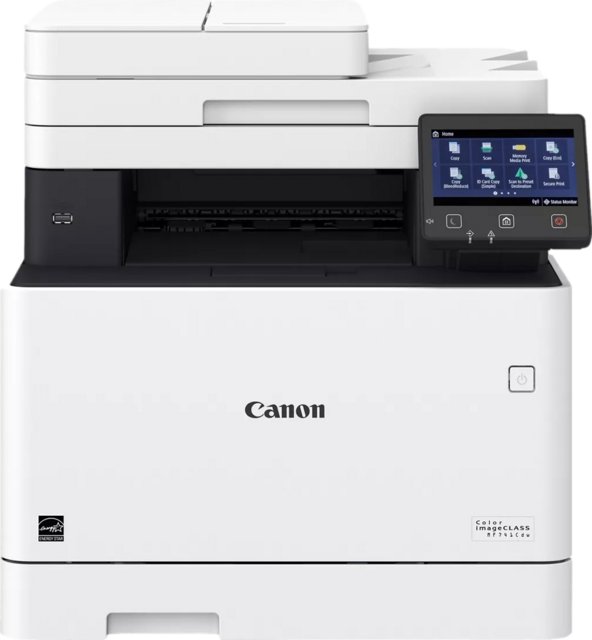
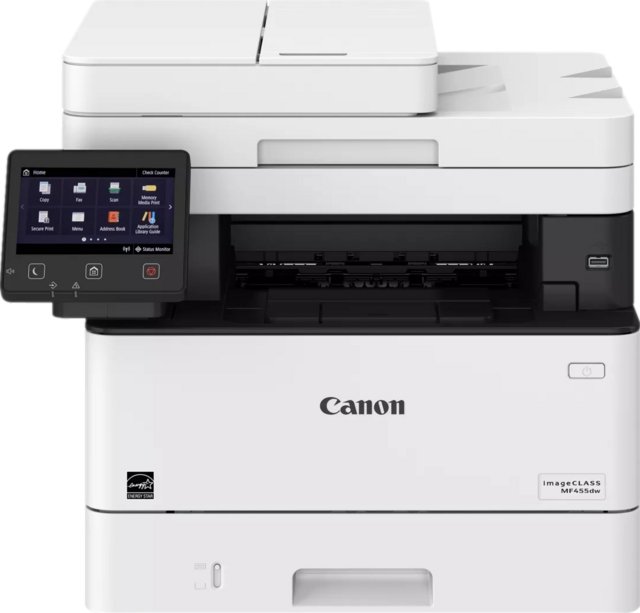
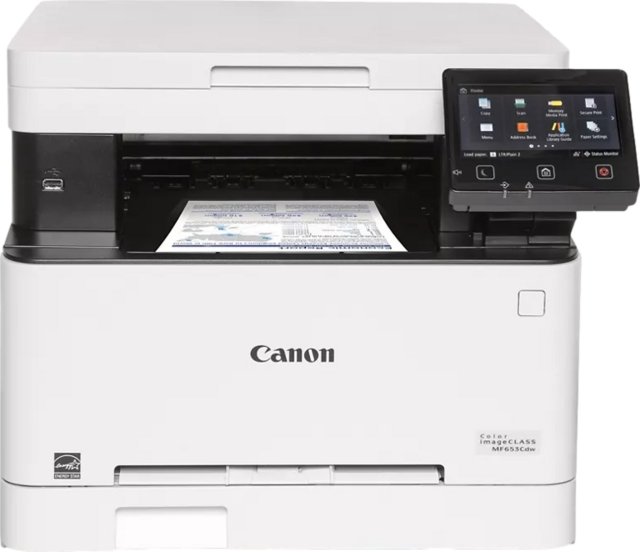
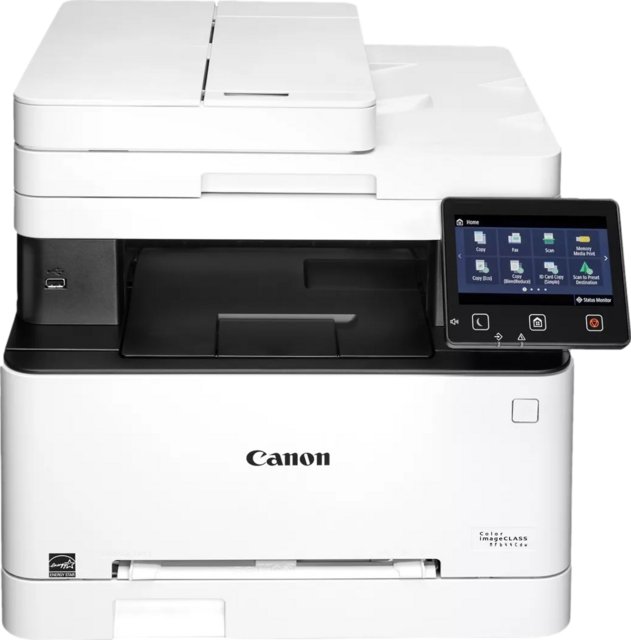
Frequently Asked Questions
What is the print speed color of the Canon imageClass MF756Cx?
At 33 ppm, the Canon imageClass MF756Cx is 123% above the category average for print speed color, ranking #13 out of 257 — see ranking all in one printer products.
What is the operating power consumption of the Canon imageClass MF756Cx?
At 700W, the Canon imageClass MF756Cx is 92% above the category average for operating power consumption, ranking #158 out of 200 — see ranking all in one printer products.
What is the black print speed of the Canon imageClass MF756Cx?
At 33 ppm, the Canon imageClass MF756Cx is 64% above the category average for black print speed, ranking #33 out of 301 — see ranking all in one printer products.
What is the 1st copy out time - black of the Canon imageClass MF756Cx?
At 7.1 seconds, the Canon imageClass MF756Cx is 36% below the category average for 1st copy out time - black, ranking #152 out of 210 — see ranking all in one printer products.
How many output tray capacity does the Canon imageClass MF756Cx have?
At 150, the Canon imageClass MF756Cx is 16% above the category average for output tray capacity, ranking #43 out of 253 — see ranking all in one printer products.
Does the Canon imageClass MF756Cx have an external memory slot?
No, the Canon imageClass MF756Cx does not have an external memory slot. This feature is available in 35% of all in one printers.
Does the Canon imageClass MF756Cx work with Alexa?
No, the Canon imageClass MF756Cx does not work with Alexa. This feature is available in 29% of all in one printers.
How does it compare?
How does the Canon imageClass MF756Cx's black print speed compare to similar all in one printerss?
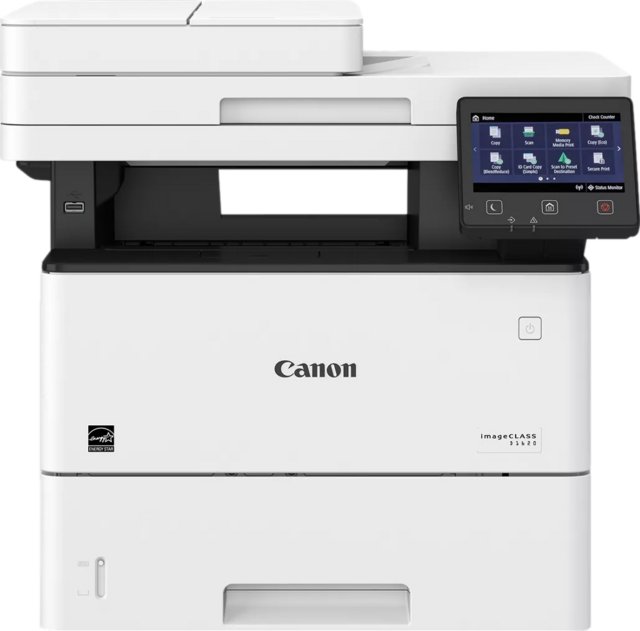
At 33 ppm, the Canon imageClass MF756Cx leads the Canon imageClass D1620 (6.2 ppm) by 81%.
How does the Canon imageClass MF756Cx's operating power consumption compare to similar all in one printerss?
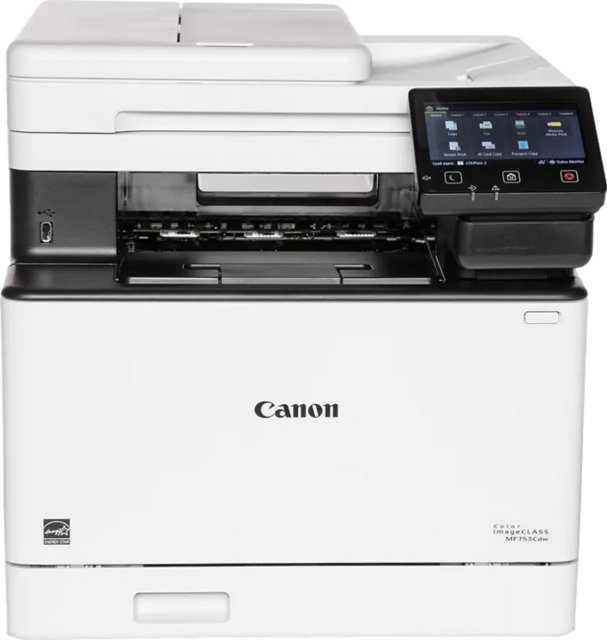
At 700W, the Canon imageClass MF756Cx leads the Canon Color imageClass MF753Cdw (1610W) by 57%.
How does the Canon imageClass MF756Cx's output tray capacity compare to similar all in one printerss?
At 150, the Canon imageClass MF756Cx leads the Canon Color imageClass MF741Cdw (75) by 50%.
How does the Canon imageClass MF756Cx's print speed color compare to similar all in one printerss?
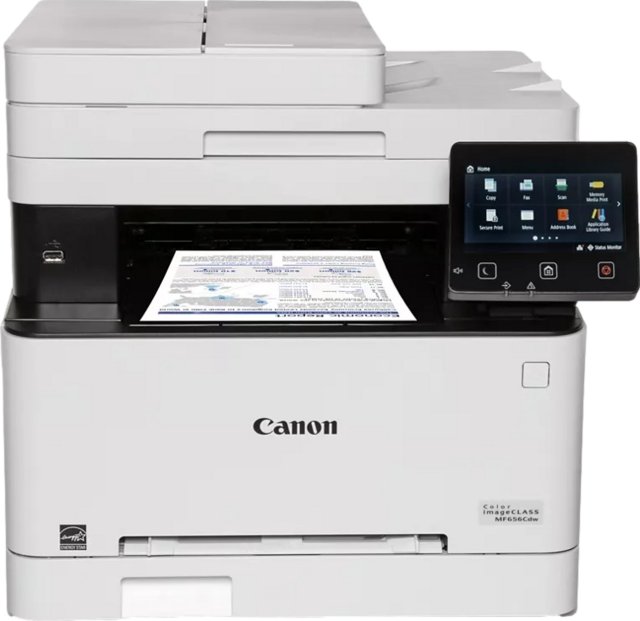
At 33 ppm, the Canon imageClass MF756Cx leads the Canon Color imageClass MF656Cdw (22 ppm) by 33%.
How does the Canon imageClass MF756Cx's 1st copy out time - black compare to similar all in one printerss?
At 7.1 seconds, the Canon imageClass MF756Cx trails the Canon Color imageClass MF656Cdw (10.3 seconds) by 31%.